How to Fix the 10 Most Common WordPress Errors (404, 500, White Screen)
Encountering a fatal error on your WordPress site can be stressful, but 90% of issues stem from plugin conflicts, memory limits, or corrupted .htaccess files.
1. White Screen of Death (WSoD)
Enable debugging in wp-config.php by setting define('WP_DEBUG', true); to see the exact PHP line and plugin triggering the fatal crash.
2. Error Establishing a Database Connection
Verify that your DB_NAME, DB_USER, DB_PASSWORD, and DB_HOST match your cPanel MySQL database credentials exactly.
3. Fixing Broken 404 Permalinks
Navigate to Settings > Permalinks in your admin panel and click 'Save Changes' to instantly regenerate the rewrite rules in your .htaccess file.
Harsh
AuthorLead Full-Stack & WordPress Engineer
Engineering sub-second Next.js web applications, custom WordPress performance tuning, and API lead automations.
Need architecture direction for your brand?
Connect directly with Vipin Wadhwa, Kapil Wadhwa, and our team to review your technical brief within 24 hours.
Related Insights in WordPress
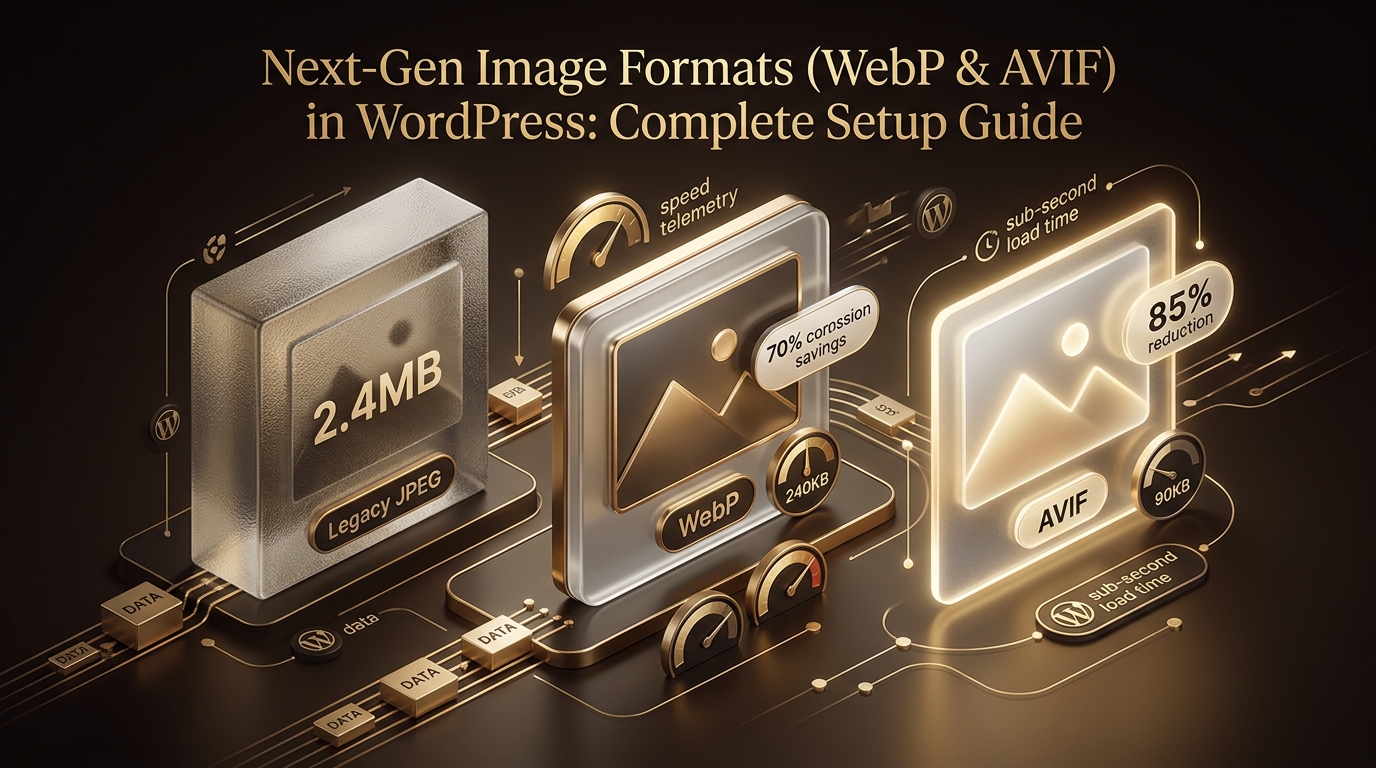
Next-Gen Image Formats (WebP & AVIF) in WordPress: Complete Setup Guide
Complete guide to automated image compression, WebP/AVIF conversions, and responsive srcset configuration in WordPress.
How to Disable Unused Scripts, Emojis, and Heartbeat in WordPress
Lightweight code snippets to remove native WordPress overhead and save 15+ HTTP requests per page load.
Custom WordPress Theme vs ThemeForest Template: Long-Term ROI Analysis
Detailed total cost of ownership (TCO) analysis comparing off-the-shelf templates with bespoke, clean-coded custom themes.