How to Speed Up Your WordPress Website to Under 1 Second in India

Every 100ms of latency on your WordPress site reduces conversion rates by 7%. In India's mobile-first market, sub-second performance is non-negotiable.
1. The 4 Main Causes of WordPress Bloat
- Visual Page Builder Overhead: Bulky visual editors that load dozens of unnecessary nested DOM wrappers and redundant CSS stylesheets.
- Unoptimized Image Payloads: Serving raw 4MB JPEGs instead of compressed WebP or AVIF formats.
- Bloated Autoloaded Database Records: Plugins storing transient data in the
wp_optionstable, bloating initial query execution times. - Missing Server-Level Full-Page Caching: Forcing PHP and MySQL to recalculate identical pages for every visitor.
2. Step-by-Step Optimization Roadmap
Configure LiteSpeed Cache with Object Caching (Redis/Memcached), defer non-critical JavaScript, enable CSS critical path generation, and set up WebP image delivery via cron.
Harsh
AuthorLead Full-Stack & WordPress Engineer
Engineering sub-second Next.js web applications, custom WordPress performance tuning, and API lead automations.
Need architecture direction for your brand?
Connect directly with Vipin Wadhwa, Kapil Wadhwa, and our team to review your technical brief within 24 hours.
Related Insights in WordPress
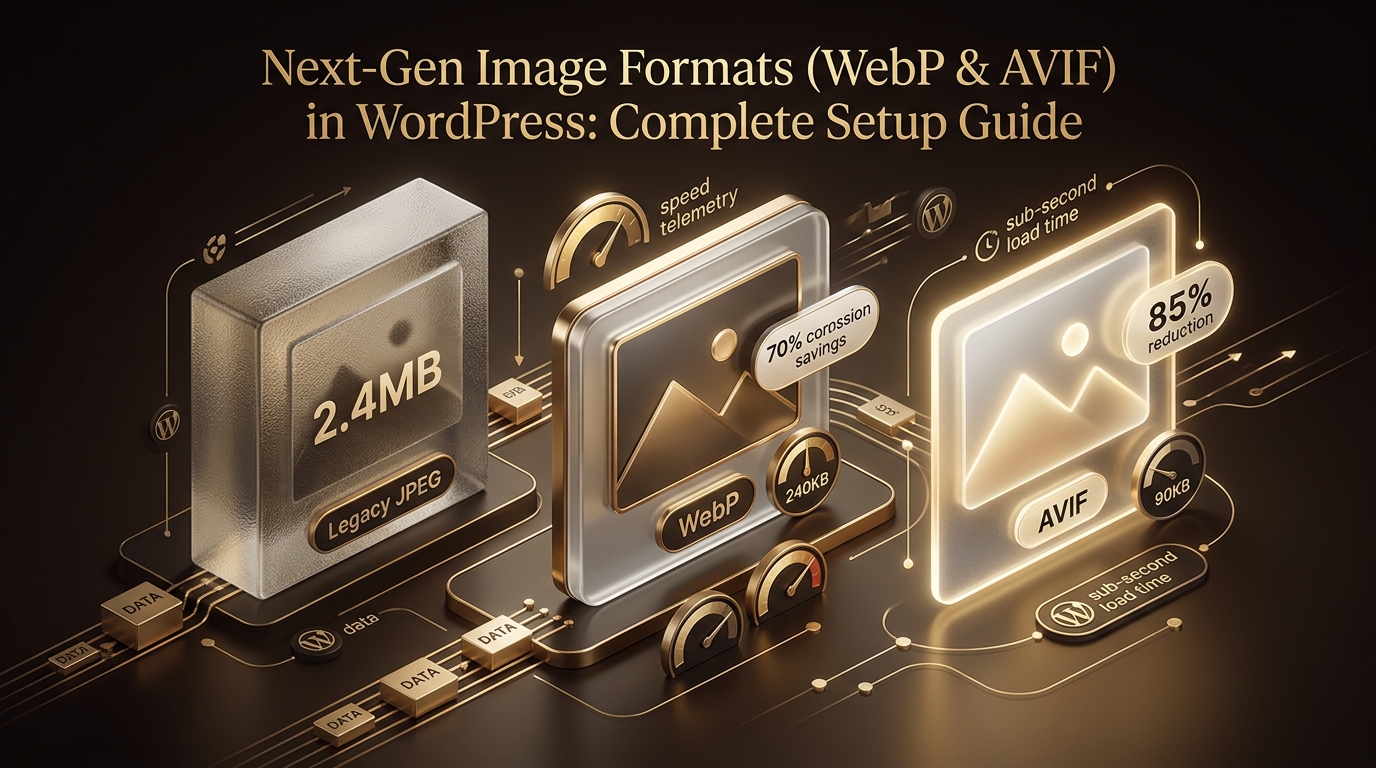
Next-Gen Image Formats (WebP & AVIF) in WordPress: Complete Setup Guide
Complete guide to automated image compression, WebP/AVIF conversions, and responsive srcset configuration in WordPress.

How to Disable Unused Scripts, Emojis, and Heartbeat in WordPress
Lightweight code snippets to remove native WordPress overhead and save 15+ HTTP requests per page load.

Custom WordPress Theme vs ThemeForest Template: Long-Term ROI Analysis
Detailed total cost of ownership (TCO) analysis comparing off-the-shelf templates with bespoke, clean-coded custom themes.