How to Clean and Optimize Your WordPress Database for Instant Queries

Over months of editing, WordPress accumulates thousands of obsolete post revisions, auto-drafts, orphaned post meta, and expired transient records.
1. Limit Post Revisions in wp-config.php
By default, WordPress stores infinite revisions of every blog post. Add define('WP_POST_REVISIONS', 5); to keep your database lean.
2. Purge Orphaned Meta and Expired Transients
Use SQL queries or lightweight optimization plugins to clean out residual plugin settings left behind by uninstalled extensions.
Harsh
AuthorLead Full-Stack & WordPress Engineer
Engineering sub-second Next.js web applications, custom WordPress performance tuning, and API lead automations.
Need architecture direction for your brand?
Connect directly with Vipin Wadhwa, Kapil Wadhwa, and our team to review your technical brief within 24 hours.
Related Insights in WordPress
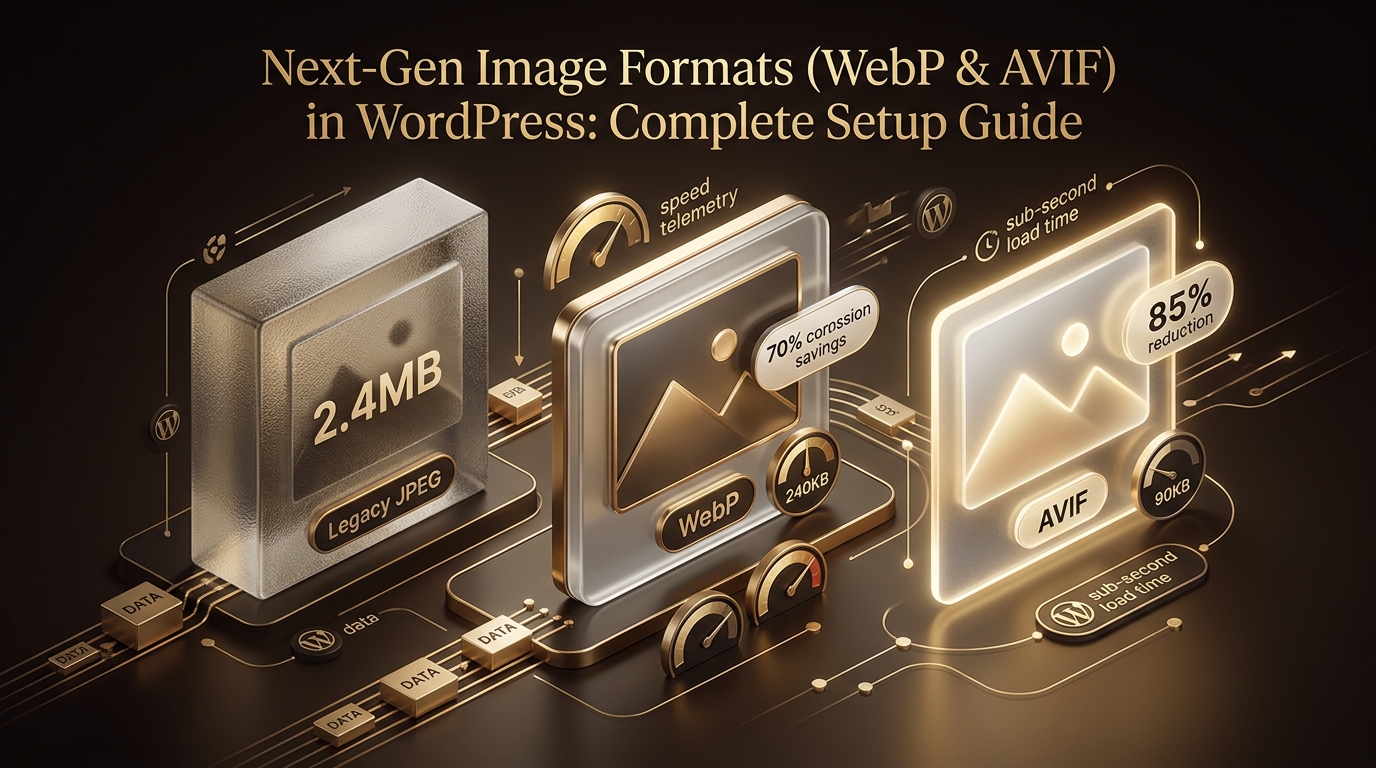
Next-Gen Image Formats (WebP & AVIF) in WordPress: Complete Setup Guide
Complete guide to automated image compression, WebP/AVIF conversions, and responsive srcset configuration in WordPress.

How to Disable Unused Scripts, Emojis, and Heartbeat in WordPress
Lightweight code snippets to remove native WordPress overhead and save 15+ HTTP requests per page load.

Custom WordPress Theme vs ThemeForest Template: Long-Term ROI Analysis
Detailed total cost of ownership (TCO) analysis comparing off-the-shelf templates with bespoke, clean-coded custom themes.