The Ultimate WordPress Security Hardening Checklist (25 Proven Steps)
WordPress powers over 43% of the internet, making it the primary target for automated malware bots and brute-force scanners.
1. Protect wp-login.php & Enforce 2FA
Never keep the default 'admin' username. Change the login slug (e.g. to /studio-auth) and require Two-Factor Authentication via Google Authenticator on all administrator accounts.
2. Disable XML-RPC and User Enumeration
Unless using the WordPress mobile app, disable xmlrpc.php in your server .htaccess file to block automated DDoS and password cracking attacks.
3. Lock File Editing in wp-config.php
Add define('DISALLOW_FILE_EDIT', true); to prevent compromised admin credentials from injecting PHP backdoors directly inside theme editors.
Harsh
AuthorLead Full-Stack & WordPress Engineer
Engineering sub-second Next.js web applications, custom WordPress performance tuning, and API lead automations.
Need architecture direction for your brand?
Connect directly with Vipin Wadhwa, Kapil Wadhwa, and our team to review your technical brief within 24 hours.
Related Insights in WordPress
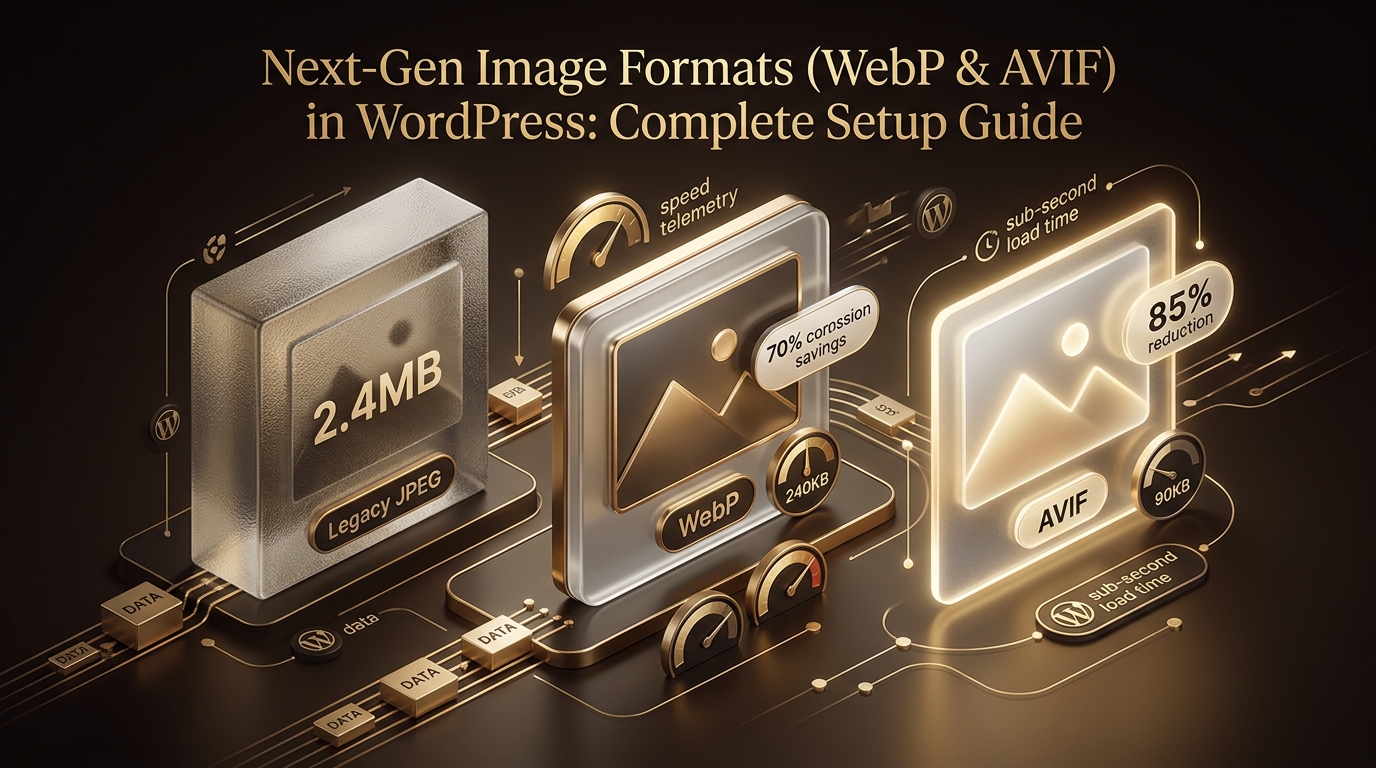
Next-Gen Image Formats (WebP & AVIF) in WordPress: Complete Setup Guide
Complete guide to automated image compression, WebP/AVIF conversions, and responsive srcset configuration in WordPress.
How to Disable Unused Scripts, Emojis, and Heartbeat in WordPress
Lightweight code snippets to remove native WordPress overhead and save 15+ HTTP requests per page load.
Custom WordPress Theme vs ThemeForest Template: Long-Term ROI Analysis
Detailed total cost of ownership (TCO) analysis comparing off-the-shelf templates with bespoke, clean-coded custom themes.